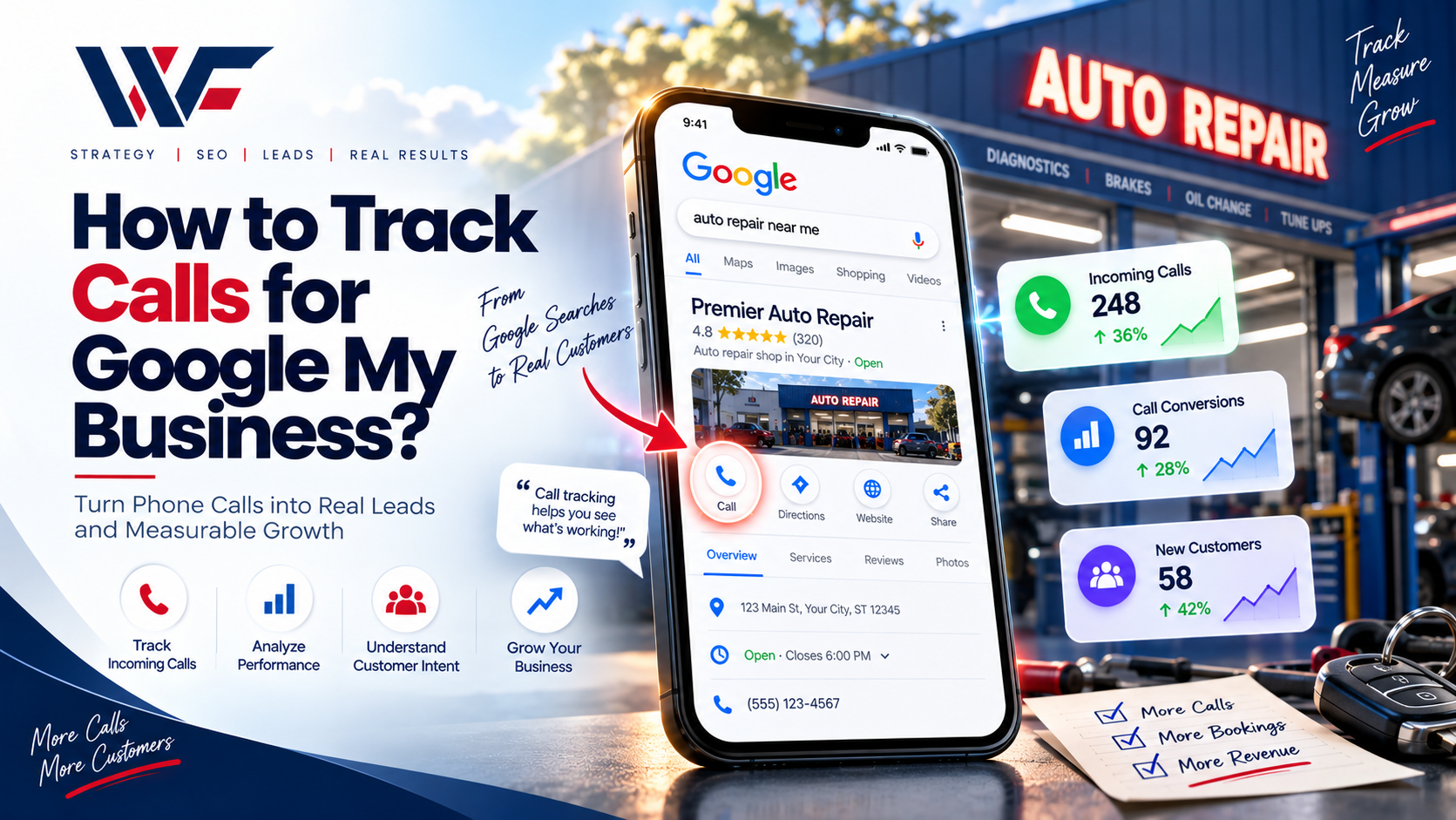
For local businesses, phone calls are often one of the most valuable conversions generated through Google. A customer may find your business on Google Search or Google Maps, check your reviews, and immediately tap the Call button to speak with your team.
But how do you know how many people are actually calling through your Google Business Profile?
The good news is that Google still provides call-related performance data. However, there is an important distinction between tracking call interactions and viewing an actual call history. Google removed the call-history feature from Business Profile on July 31, 2024. Businesses can still receive calls from Google Search and Maps and monitor the number of call-button interactions through Business Profile Performance.
In this guide, we’ll explain how to track calls from your Google Business Profile, what Google’s call metric actually measures, and how you can use additional tracking methods to understand which calls turn into customers.
What Is Google Business Profile Call Tracking?
Google Business Profile, formerly known as Google My Business, allows customers to discover local businesses through Google Search and Google Maps.
One of the available performance metrics is Calls. According to Google, this metric represents the number of times customers clicked the call button on your Business
This can help you understand whether your local listing is generating phone-based engagement.
For example, suppose your dental practice received:
- 100 Google Business Profile calls in January
- 135 calls in February
- 160 calls in March
The increase can indicate that more people are interacting with your profile through the phone option. However, the Google Business Profile call metric should not automatically be interpreted as 160 completed or qualified phone conversations. It measures call-button interactions rather than detailed information such as call duration, caller identity, or whether the call resulted in a sale.
For businesses that depend heavily on local leads, combining this information with broader Local SEO Services and conversion tracking can provide a much clearer picture of performance.
Does Google My Business Show Call History?
This is where many business owners get confused.
Google discontinued the call history feature in Google Business Profile on July 31, 2024. Businesses can no longer use their Business Profile to view a history of individual customer calls.
However, this does not mean Google stopped tracking call-related engagement.
You can still see the number of times customers clicked the Call button on your Business Profile through the Performance section. Google also continues to report other interactions, including website clicks, direction requests, messages, and bookings where applicable.
So there are two different concepts:
- Google Business Profile Performance: Shows how many call-button interactions your profile generated.
- Call history: A detailed list or record of individual customer calls, which is no longer available inside Google Business Profile.
Understanding this difference is essential when analyzing local marketing results.
How to Track Calls in Google Business Profile
Tracking your Google Business Profile call interactions is relatively straightforward.
Step 1: Open Your Google Business Profile
Sign in to the Google account associated with your verified Business Profile.
Your Business Profile needs to be verified to access its performance data.
Step 2: Open Performance
Search for your business on Google while signed into the account that manages the profile.
Open your Business Profile and select Performance.
Google’s current instructions also allow you to access performance information through the Google Maps app by selecting your business and opening Performance.
Step 3: Select Your Date Range
Choose the time period you want to analyze.
For example, you could compare:
- Last 7 days
- Last 30 days
- Previous month
- Previous quarter
- Year-to-date
Using consistent date ranges makes it easier to identify changes in local search engagement.
Step 4: Review the Calls Metric
Look for the Calls interaction metric.
Google defines this metric as the number of times customers clicked the call button on your Business Profile. You need to have a phone number associated with the profile for this metric to be tracked.
You can compare call interactions over different periods to identify trends.
For example:
January: 82 calls
February: 97 calls
March: 121 calls
This information can help you determine whether your Google Business Profile is generating increasing levels of phone engagement.
What Does Google Calls Metric Actually Measure?
The word “calls” can be slightly misleading if you assume it means completed conversations.
Google’s Business Profile Performance documentation defines the Calls metric as the number of times a customer clicked the call button on your profile.
Therefore, this metric doesn’t necessarily tell you:
- Who called
- What the customer asked
- How long the call lasted
- Whether the call was answered
- Whether the caller became a customer
- How much revenue the call generated
If you need that level of information, you’ll need an additional call-tracking or CRM solution.
This distinction is particularly important for businesses investing in Conversion Optimization Services, because generating calls and generating qualified leads are not necessarily the same thing.
How to Track Which Calls Become Leads
Google Business Profile provides useful interaction data, but businesses often need more information to measure actual lead quality.
One approach is to connect your Business Profile with Google Analytics. Google currently supports linking Business Profile with Google Analytics so businesses can analyze Business Profile interactions alongside website and app data.
You can also use a dedicated call-tracking platform or CRM to record information such as:
- Call source
- Landing page
- Campaign
- Call duration
- Answered versus missed calls
- New versus returning callers
- Lead status
- Sales outcome
This creates a more complete view of the customer journey.
For example:
Google Search → Business Profile → Call → Qualified Lead → Appointment → Customer
Instead of only asking, “How many calls did Google generate?”, you can start asking, “How many customers did those calls generate?”
Use UTM Tracking for Website-Based Calls
Not every customer will call directly from your Google Business Profile.
Some people may click your website first and then call from your website.
You can use UTM parameters on links from your Google Business Profile to help identify traffic coming from Google Business Profile in your analytics platform.
For example, you can structure your website URL with campaign parameters that identify the source and medium.
Then, if a visitor lands on your website and calls your business, your analytics and call-tracking setup can potentially provide additional attribution information.
This is especially useful when combined with SEO Content Writing Services, website analytics, and a properly structured local SEO strategy.
Track Calls From Google Ads Separately
If you are running Google Ads, don’t assume that all phone interactions should be measured through the same report.
Google Ads provides its own call-related and local-action conversion measurements. For example, Google’s local actions reporting includes “Clicks to call,” which measures clicks on the Call button associated with business locations during or after ad interactions.
This makes it possible to distinguish between:
- Organic Google Business Profile interactions
- Paid Google Ads interactions
- Website-generated calls
- Calls generated through other marketing channels
For businesses investing in Pay Per Click Advertising, separating these sources can make campaign reporting much more meaningful.
Google Business Profile Calls vs. Call Tracking Software
Google Business Profile Performance is useful for understanding how many call-button interactions your profile receives.
Dedicated call-tracking software can provide substantially more information.
|
Feature |
Google Business Profile |
Call Tracking Software |
|
Call-button interactions |
Yes |
Usually |
|
Individual call history inside GBP |
No |
Usually |
|
Caller information |
Limited |
Depends on platform |
|
Call duration |
Not provided by GBP metric |
Usually |
|
Call recordings |
No |
Depends on provider |
|
Lead qualification |
No |
Usually through integrations |
|
Campaign attribution |
Limited |
More advanced |
|
Revenue attribution |
No |
Possible with CRM integration |
The right setup depends on your business model and reporting requirements.
A local service business that receives hundreds of calls each month may benefit from a more sophisticated attribution system, while a small business may only need Google’s built-in performance reporting.
How to Increase Calls From Your Google Business Profile
Tracking calls is only useful if you also use the information to improve your marketing.
Start by making sure your Business Profile contains accurate business information.
Your profile should include:
- Correct business name
- Accurate phone number
- Current business hours
- Correct address or service area
- Relevant business categories
- High-quality photos
- Updated services
- Useful business description
- Accurate website URL
- Recent customer reviews
Your website should also make it easy for visitors to contact you.
A strong local search strategy can be supported by professional Web Development Services, Custom Website Design Services, and Website Maintenance Services to ensure the website experience matches the expectations created by your Google listing.
Improve Your Local Visibility
The number of calls your business receives depends partly on how often your Business Profile appears for relevant searches.
That is why Google Business Profile call tracking should be considered part of a broader local marketing strategy rather than an isolated metric.
For example, businesses can combine:
- Google Business Profile optimization
- Local SEO
- On-page SEO
- Review management
- Content marketing
- Technical SEO
- Conversion optimization
- Paid search
- Social media marketing
Businesses looking to strengthen their broader online presence can also explore Digital Marketing Services and Social Media Marketing strategies alongside local search optimization.
Track Calls by Location
If your business has multiple locations, measuring calls by location can be especially valuable.
Google allows businesses managing multiple profiles to access and download performance data for multiple locations. Google states that Business Profile performance data can be downloaded as a spreadsheet for comparison between locations.
For example, a company with five locations could compare:
|
Location |
Profile Calls |
Website Clicks |
Direction Requests |
|
Location A |
240 |
180 |
95 |
|
Location B |
175 |
142 |
73 |
|
Location C |
310 |
225 |
121 |
|
Location D |
198 |
155 |
84 |
|
Location E |
267 |
201 |
108 |
This type of reporting can help identify differences in local engagement without relying on assumptions.
Businesses with large numbers of locations may also benefit from Enterprise SEO Services, while specialized industries can use services such as Dental SEO Services, Healthcare SEO Services, Automotive SEO Services That Drive More Leads, Sales & Service Appointments, or Hotel SEO Services according to their market.
Connect Google Business Profile With Google Analytics
Google also provides a way to connect Business Profile with Google Analytics.
Once connected, Business Profile performance data such as interactions, website clicks, calls, directions, messages, bookings, and menu clicks can be shared with the associated Google Analytics property.
This can help businesses analyze local discovery and website behavior together.
For example:
Google Search → Business Profile → Website → Contact Page → Phone Call
This broader journey is often more useful than looking at a single metric.
If your business relies heavily on online sales rather than phone calls, you can also combine local marketing with E-commerce SEO Services, E-Commerce Marketing Services, WooCommerce SEO Services, Shopify SEO Services, or BigCommerce SEO Services depending on your platform.
Don’t Confuse Calls With Qualified Leads
One of the biggest mistakes businesses make is treating every call as a conversion.
A call could be:
- A potential customer
- An existing customer
- A supplier
- A job applicant
- A wrong number
- A spam call
- Someone looking for information you don’t provide
Therefore, call volume is only one part of performance analysis.
A better reporting system might track:
Call → Answered → Qualified → Appointment → Sale
This lets you calculate more meaningful business metrics.
For example:
100 calls → 70 answered → 45 qualified → 30 appointments → 18 customers
The exact numbers will vary by business, but this framework gives marketers a better understanding of lead quality.
How SEO Can Help Generate More Calls
SEO can increase the visibility of your business for searches with strong local or commercial intent.
Depending on the industry, businesses may use specialized strategies such as:
- B2B SEO Services
- Roofing SEO Services
- Construction SEO Services
- Locksmith SEO Services
- Employment Lawyer SEO
- SEO for Insurance Brokers
- Medical SEO Services
- Magento SEO Services
- WordPress SEO Services
- Boutique SEO Services
- Multilingual SEO Services
- YouTube SEO Services
- White Label SEO Services
- Outsource SEO Services
The specific strategy should match the business’s customers, locations, services, and search behavior.
For businesses that need a technical assessment before implementing a broader SEO campaign, SEO Audit Services can help identify technical, content, and on-page issues that may affect organic visibility.
Other Metrics to Monitor Alongside Calls
Calls are only one of several Business Profile interactions.
Google also reports metrics such as:
- Searches
- Views
- Directions
- Website clicks
- Messages
- Bookings
- Products
- Menu interactions
- Offers
The metrics available can vary depending on the type of business and profile.
Looking at these metrics together provides more context.
For example, if profile views increase but calls remain unchanged, you may want to investigate whether your listing is attracting the right searchers or whether your profile and website provide enough information to encourage contact.
This is where Brand Strategy Services, Graphic Designing Services, and Content Writing Services can complement an SEO campaign by improving how your business communicates with potential customers.
How Often Should You Check Your Call Data?
For most businesses, checking call data once a month is a practical starting point.
Businesses with high call volume or active marketing campaigns may want to review performance weekly.
A useful monthly report can include:
- Total Business Profile calls
- Website clicks
- Direction requests
- Profile views
- Search queries
- Organic website traffic
- Paid advertising traffic
- Qualified leads
- Appointments
- Sales or revenue
Over time, comparing these metrics can reveal seasonal patterns and changes in customer behavior.
Google also notes that Business Profile performance data can be viewed across selected date ranges, making period-over-period analysis possible.
