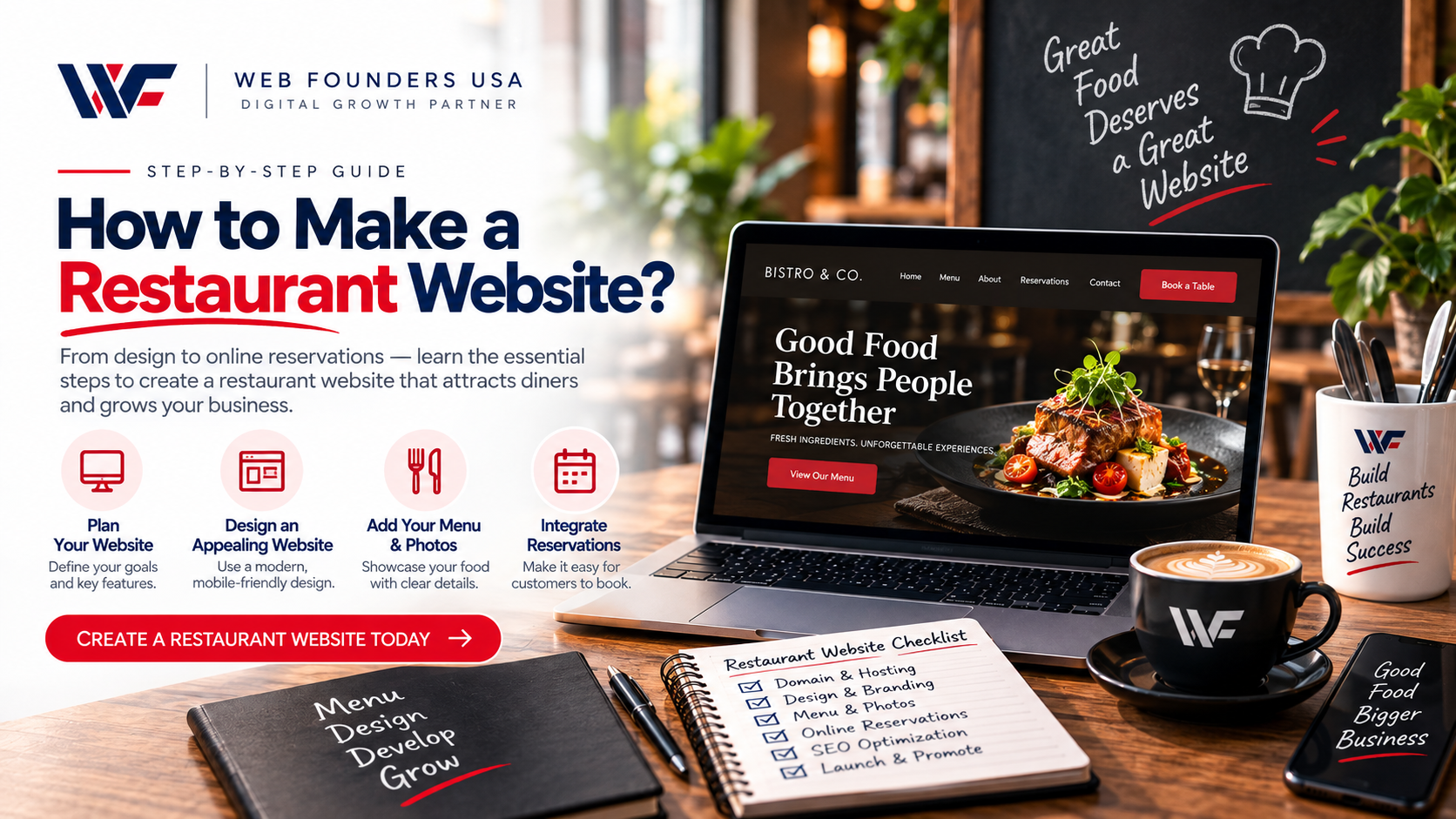
A restaurant website helps customers discover your business, view your menu, make reservations, place orders, and find your location. It also gives you a place to showcase your food, atmosphere, brand, and services.
If you want to learn how to make a restaurant website, you need more than an attractive design. Your website should load quickly, work well on mobile devices, provide useful information, and guide visitors toward taking action.
This guide explains how to make a restaurant website from planning and design to SEO and launch.
Why Does a Restaurant Need a Website?
Many customers search online before they choose where to eat. They may want to check the menu, read reviews, see photos, find opening hours, or make a reservation.
A professional website gives customers quick access to this information.
Your website can help you:
- Attract local customers
- Display your menu
- Increase reservations
- Generate online orders
- Promote special offers
- Build trust
- Improve local visibility
- Showcase your restaurant
- Generate phone calls and inquiries
A website also gives your restaurant more control over its online presence.
How to Make a Restaurant Website Step by Step
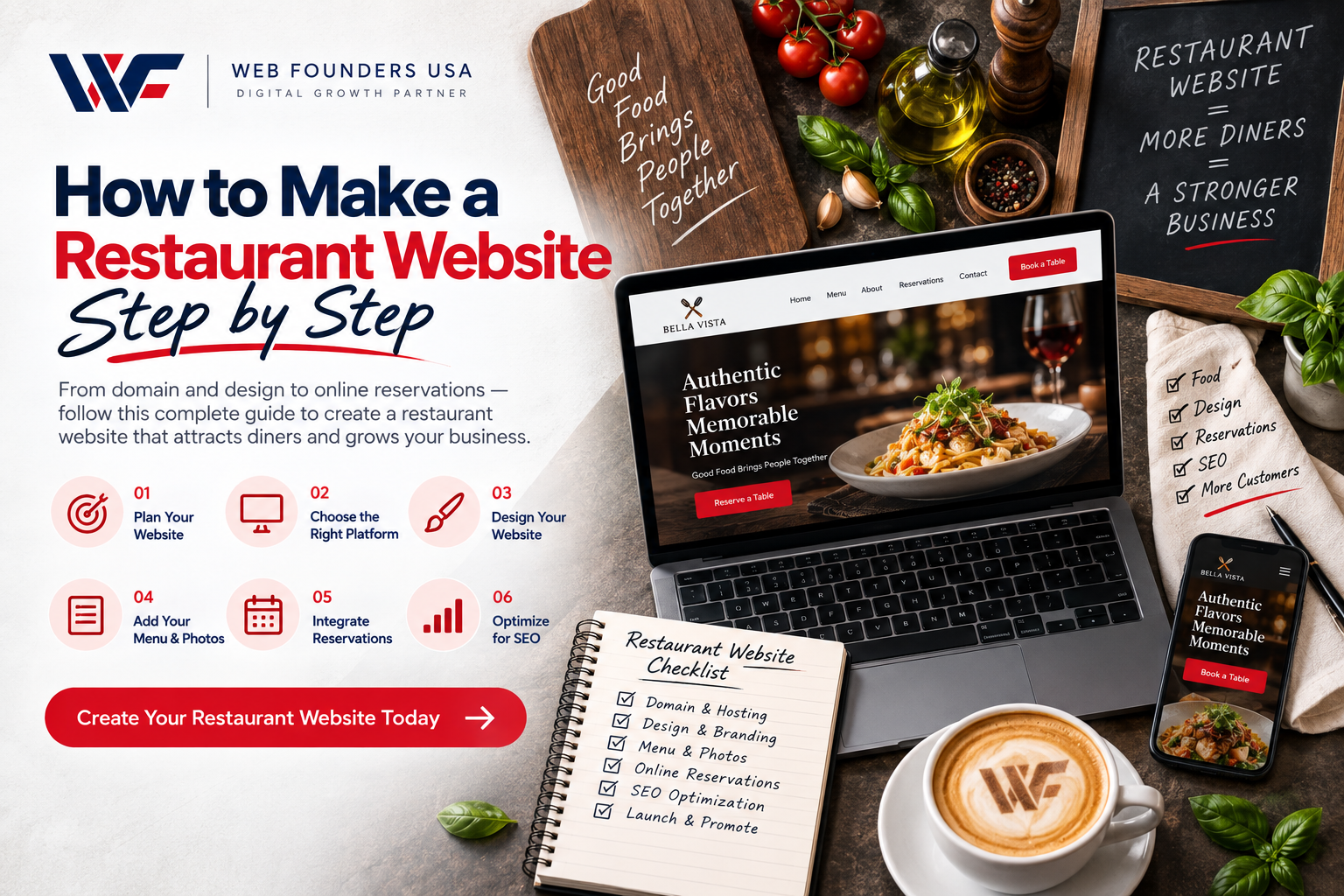
1. Define Your Website Goals
Start by deciding what you want your website to achieve.
Do you want customers to:
- Make reservations?
- Order food online?
- Call your restaurant?
- Visit your physical location?
- View your menu?
- Book catering services?
Your goals will determine the website’s structure and features.
For example, a fine-dining restaurant may focus on reservations, while a fast-casual restaurant may focus on online ordering.
Clear goals also help you choose the right design and functionality from the beginning.
2. Choose a Domain Name
Choose a domain name that matches your restaurant’s name whenever possible.
A simple domain makes it easier for customers to remember and find your website.
For example:
YourRestaurantName.com
Avoid complicated spellings, unnecessary numbers, and long domain names.
Before you buy the domain, check whether the name is available and whether it matches your brand.
3. Choose a Website Platform
Next, choose the platform you will use to build your restaurant website.
Common options include:
- WordPress
- Shopify
- Custom website development
- Other content management systems
Your choice depends on your budget, features, technical requirements, and future plans.
A simple restaurant website may work well with WordPress. A restaurant that sells products online may need stronger e-commerce functionality.
If you need a website built around your specific goals, Custom Website Design Services can give you more control over the design, structure, and functionality.
4. Plan Your Website Pages
Create the website structure before you start designing it.
Most restaurant websites need these core pages:
- Home
- About
- Menu
- Reservations
- Online Ordering
- Locations
- Contact
- Gallery
- Reviews
- Blog
You can add other pages based on your services.
For example, you may need separate pages for catering, private dining, events, or multiple restaurant locations.
Keep your navigation simple. Customers should find important information without clicking through several pages.
5. Create a Strong Restaurant Homepage
Your homepage creates the first impression of your restaurant.
A strong homepage should quickly answer three questions:
What do you offer?
Where are you located?
What should the visitor do next?
Use a clear headline, high-quality food photography, a short introduction, and strong calls to action.
Useful buttons include:
- View Menu
- Order Online
- Reserve a Table
- Call Now
- Get Directions
Place your main call to action where customers can easily see it.
6. Build an Easy-to-Use Online Menu
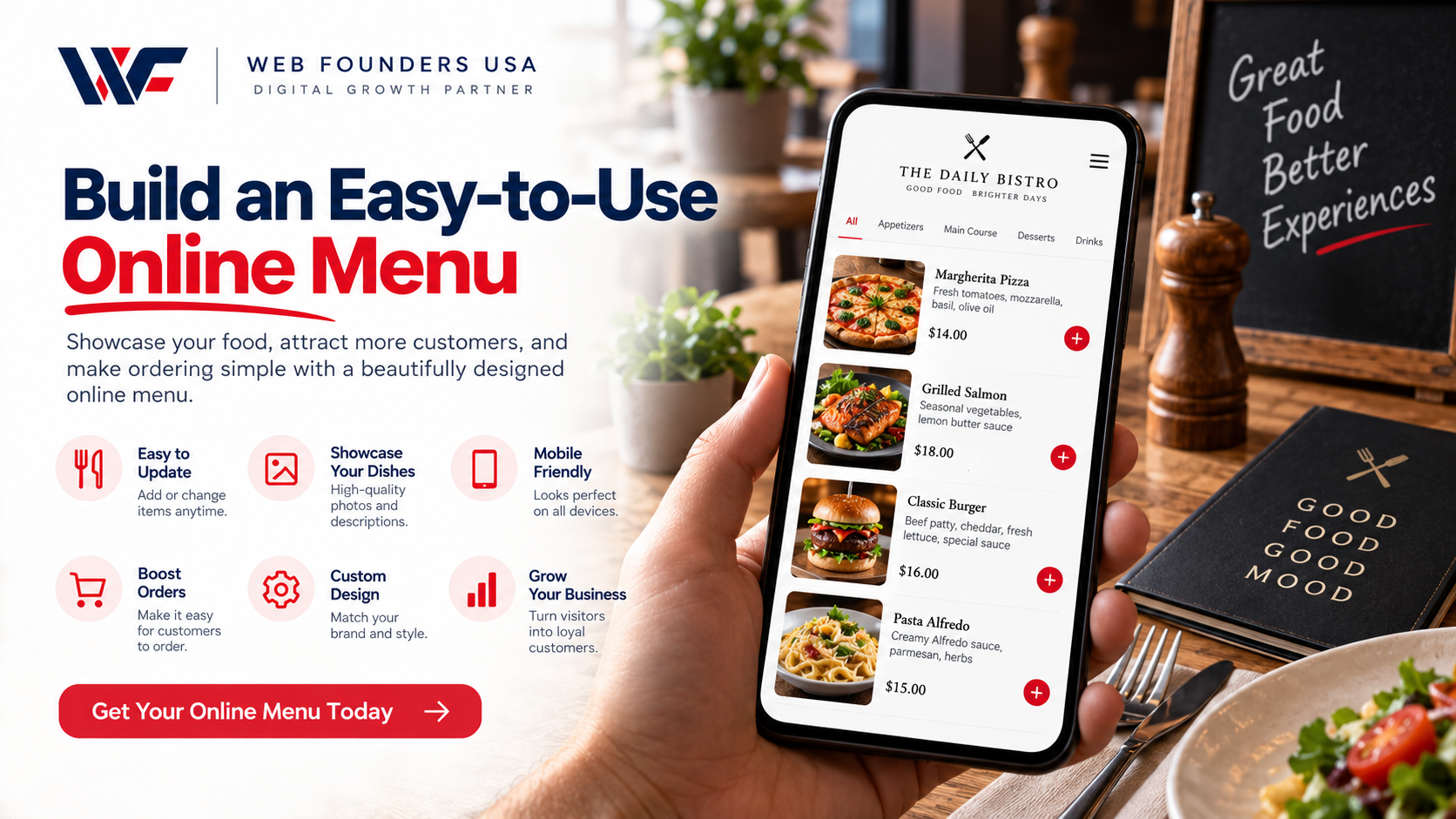
Your menu is one of the most important parts of a restaurant website.
Make it easy for customers to browse your food and understand what each dish includes.
Organize your menu into clear categories such as:
- Appetizers
- Salads
- Main Courses
- Pizza
- Pasta
- Burgers
- Desserts
- Drinks
- Kids’ Meals
Add prices and short descriptions where appropriate.
You should also highlight dietary options such as vegetarian, vegan, gluten-free, or allergen friendly dishes when relevant.
Keep your menu updated. If customers find outdated prices or unavailable dishes, they may lose trust in your restaurant.
7. Use High-Quality Restaurant Photos
Good photography can make your website much more attractive.
Use professional images of:
- Signature dishes
- Restaurant interiors
- Dining areas
- Exterior
- Staff
- Drinks
- Desserts
- Special events
Food photography should make visitors want to visit or order.
However, large image files can slow down your website. Compress images before uploading them and use suitable image formats.
8. Make Your Website Mobile Friendly
Many customers search for restaurants from their phones.
They may search while they are:
- Looking for a nearby restaurant
- Checking your menu
- Driving to your location
- Ordering food
- Making a reservation
Your website should work smoothly on smartphones, tablets, and desktops.
Responsive Website Design Company Services can help businesses create layouts that adapt to different screen sizes and provide a consistent user experience.
Your mobile website should have:
- Easy-to-read text
- Large buttons
- Simple navigation
- Fast-loading images
- Click-to-call phone numbers
- Easy access to your menu
- Simple reservation options
Never make mobile visitors zoom in or struggle to find basic information.
9. Add Online Ordering
If your restaurant offers delivery or takeaway, add online ordering to your website.
A simple ordering process should allow customers to:
- Browse your menu.
- Select their food.
- Customize their order.
- Add items to a cart.
- Choose pickup or delivery.
- Complete payment.
- Receive confirmation.
Keep the checkout process short.
Every unnecessary step can increase the chance that a customer abandons the order.
10. Add a Reservation System
If you accept table reservations, make the process simple.
Customers should be able to select:
- Date
- Time
- Number of guests
- Name
- Phone number
- Special requests
Place your reservation button in visible locations throughout the website.
A customer should not have to search through your website to find it.
11. Add Your Restaurant Location and Hours
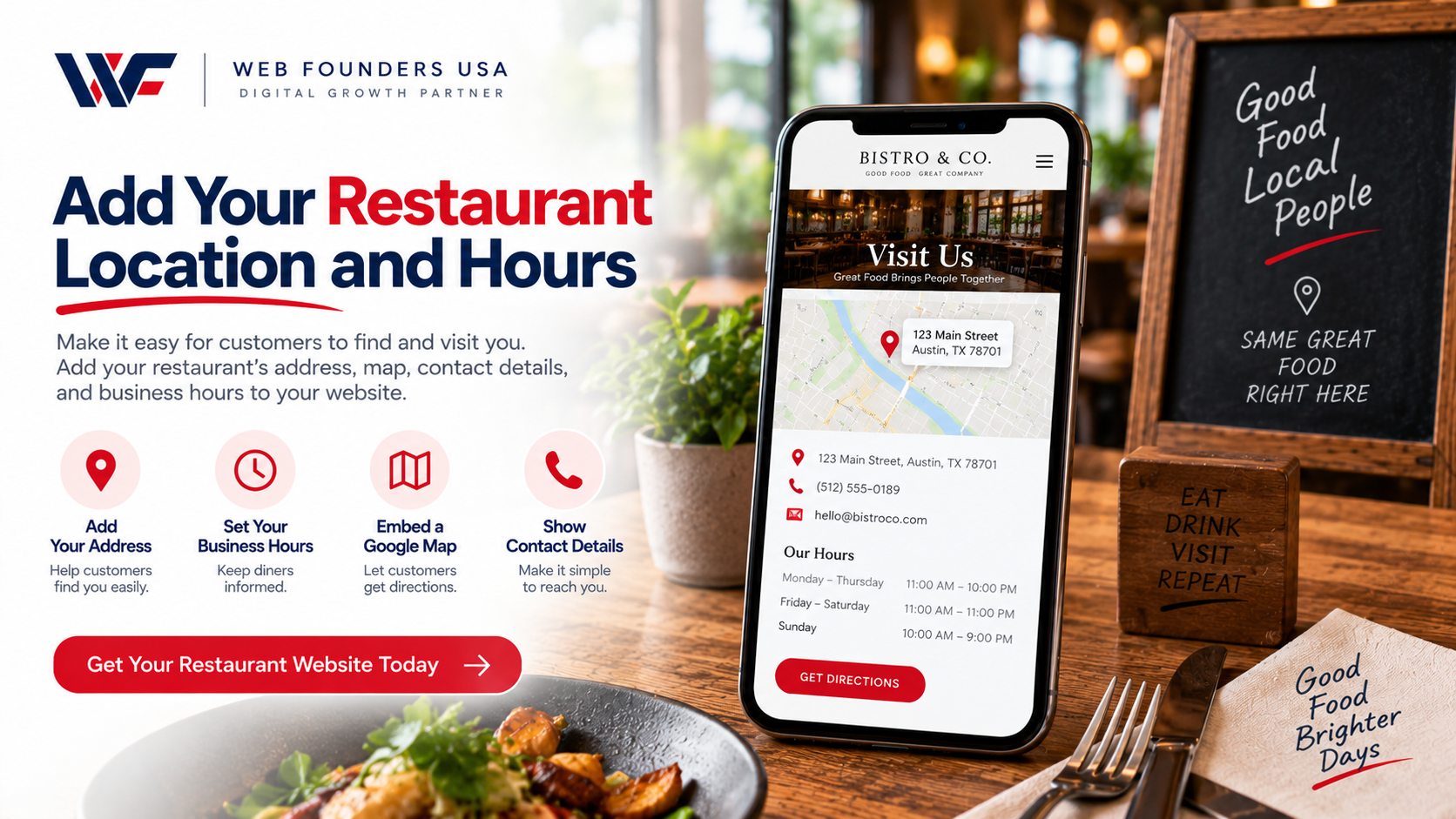
Make your location easy to find.
Display your:
- Full address
- Phone number
- Opening hours
- Map
- Parking information
- Directions
Add a clickable map so mobile users can quickly get directions.
If your restaurant operates in multiple locations, create a dedicated page for each location. Include unique information for each branch.
12. Optimise Your Restaurant Website for SEO
A beautiful website will not help much if customers cannot find it.
Use SEO to improve your visibility in search engines.
Your restaurant website can target searches such as:
- restaurants near me
- best restaurant in [city]
- Italian restaurant in [city]
- Mexican restaurant in [city]
- family restaurant in [city]
- best brunch in [city]
- restaurant with outdoor seating
- restaurant with online ordering
Use your target keywords naturally in:
- Page titles
- Headings
- URLs
- Page content
- Image alt text
- Meta descriptions
- Location pages
Avoid keyword stuffing. Write for people first and search engines second.
13. Focus on Local SEO
Restaurants depend heavily on local customers.
For this reason, local SEO should form an important part of your website strategy.
Create content around your city, neighborhood, and services.
For example, instead of targeting only:
Italian Restaurant
target a more specific phrase such as:
Italian Restaurant in Atlanta
Also keep your business information consistent across your website and online profiles.
Your name, address, phone number, opening hours, and website should match.
14. Add Customer Reviews
Reviews can help new customers feel more confident about choosing your restaurant.
Add selected testimonials to your website.
You can highlight reviews about:
- Food quality
- Customer service
- Restaurant atmosphere
- Staff
- Delivery
- Overall dining experience
Keep the review section easy to scan.
You can also link customers to your preferred review platforms so they can read more feedback.
15. Improve Your Website Speed
Website speed affects both user experience and SEO.
Restaurant websites often contain many images, menus, videos, and third-party tools. These elements can slow down your pages if you do not optimize them.
Improve speed by:
- Compressing images
- Using modern image formats
- Reducing unnecessary scripts
- Limiting unnecessary plugins
- Using reliable hosting
- Enabling caching
- Optimizing website code
A faster website helps customers find information and complete actions more easily.
16. Build a Smooth User Experience
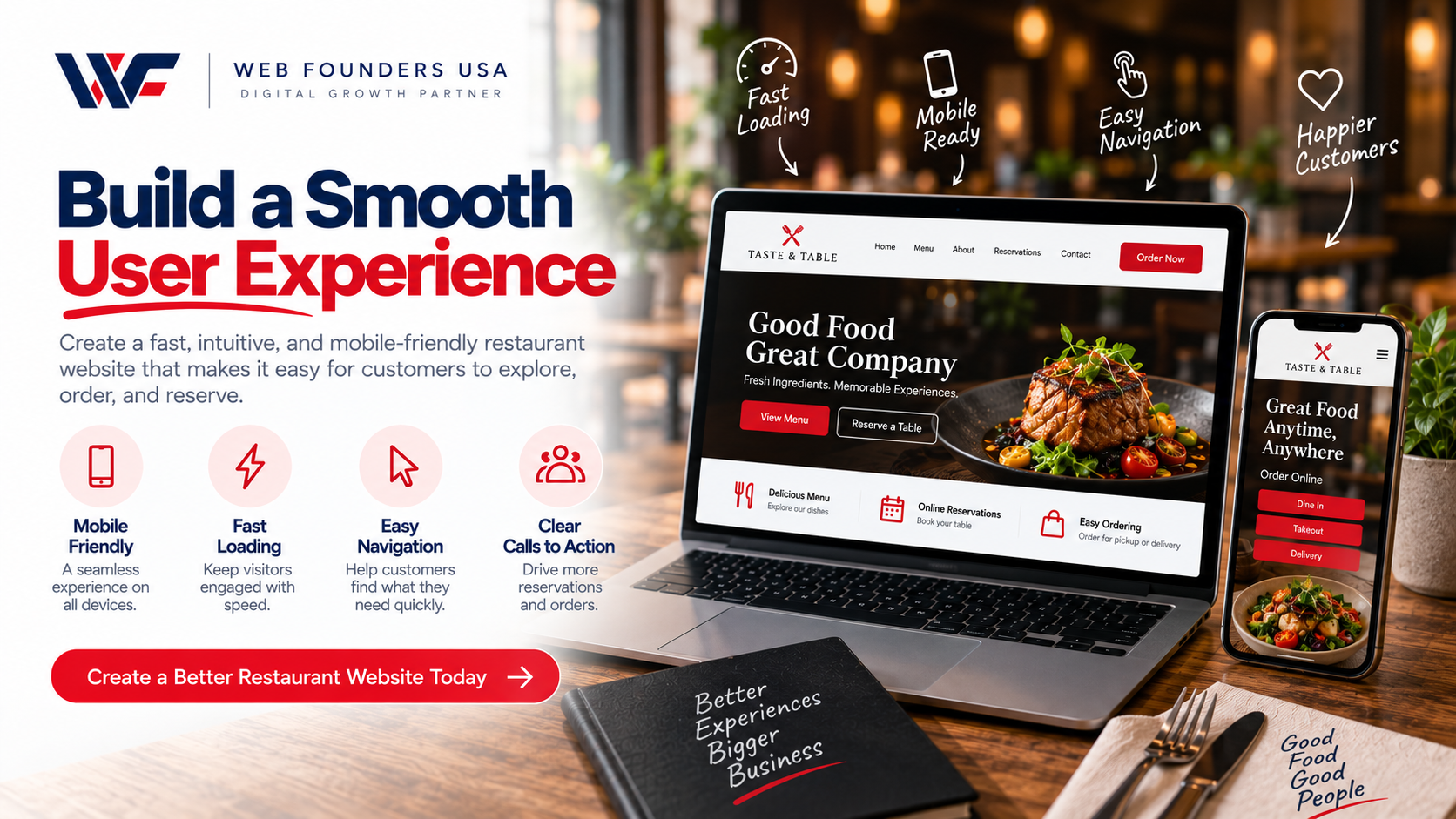
Your website should guide visitors from their first click to their final action.
For example:
Homepage → Menu → Order Online
or:
Homepage → Restaurant Information → Reservations
Keep your navigation logical.
Make important buttons easy to find.
Remove unnecessary distractions that can prevent customers from ordering, booking, or contacting you.
For businesses that need more advanced interface functionality, Front End Development Services can help create fast-loading pages and purposeful interactions.
17. Match the Website to Your Restaurant Brand
Your website should reflect your restaurant’s personality.
Use your:
- Logo
- Brand colors
- Typography
- Photography
- Tone of voice
- Visual style
A luxury restaurant needs a different design from a casual family restaurant.
Your website should give visitors a sense of the experience they can expect when they visit your restaurant.
18. Consider E-Commerce Features
Some restaurants sell more than prepared meals.
You may also sell:
- Gift cards
- Merchandise
- Sauces
- Coffee
- Packaged foods
- Meal kits
- Catering packages
If you need a larger online store, BigCommerce Web Design Services can support a more advanced e-commerce experience.
The goal is to make browsing and purchasing products simple for your customers.
19. Consider Industry-Specific Website Design
Every business has different website requirements.
For example, Law Firm Web Design Services can focus on legal expertise, trust, and lead generation.
Healthcare Web Design Services can organize medical information and make important services easier to find.
Real Estate Website Design Services can focus on property listings and lead generation.
Manufacturing Website Design Services can present products, capabilities, and technical information clearly.
Construction Company Website Design Services can showcase projects, services, and completed work.
Plumber Web Design Services can focus on service areas, emergency calls, and lead generation.
Restaurants need their own approach because customers often make quick decisions based on location, menu, reviews, photos, and availability.
That is why Restaurant Website Design Services should focus on usability, strong visuals, local visibility, and clear conversion paths.
20. Consider a Custom Website for Your Restaurant
Templates can work well for simple websites. However, they may limit your design and functionality as your business grows.
A custom website can give you more control over:
- Layout
- Branding
- Navigation
- Features
- Integrations
- SEO structure
- User experience
A professional agency such as Web Founders USA can create a website around your restaurant’s goals instead of forcing your business into a generic template.
21. Test Your Restaurant Website Before Launch
Before you launch, test every important part of the website.
Check:
- Mobile responsiveness
- Desktop layout
- Navigation
- Menu links
- Reservation forms
- Online ordering
- Contact forms
- Phone numbers
- Maps
- Social media links
- Images
- Page speed
- Checkout
- Buttons
Ask someone who has never used the website to test it.
Their feedback can help you find confusing navigation or missing information.
22. Launch and Monitor Your Website
Once everything works correctly, launch your website.
But your work does not end there.
Monitor:
- Organic traffic
- Search rankings
- Online orders
- Reservation clicks
- Phone calls
- Form submissions
- User behavior
- Technical errors
Use this data to improve your website over time.
If your current restaurant website looks outdated or performs poorly, Website Redesign Services can help you improve the design, structure, usability, and overall customer experience.
Common Restaurant Website Mistakes to Avoid
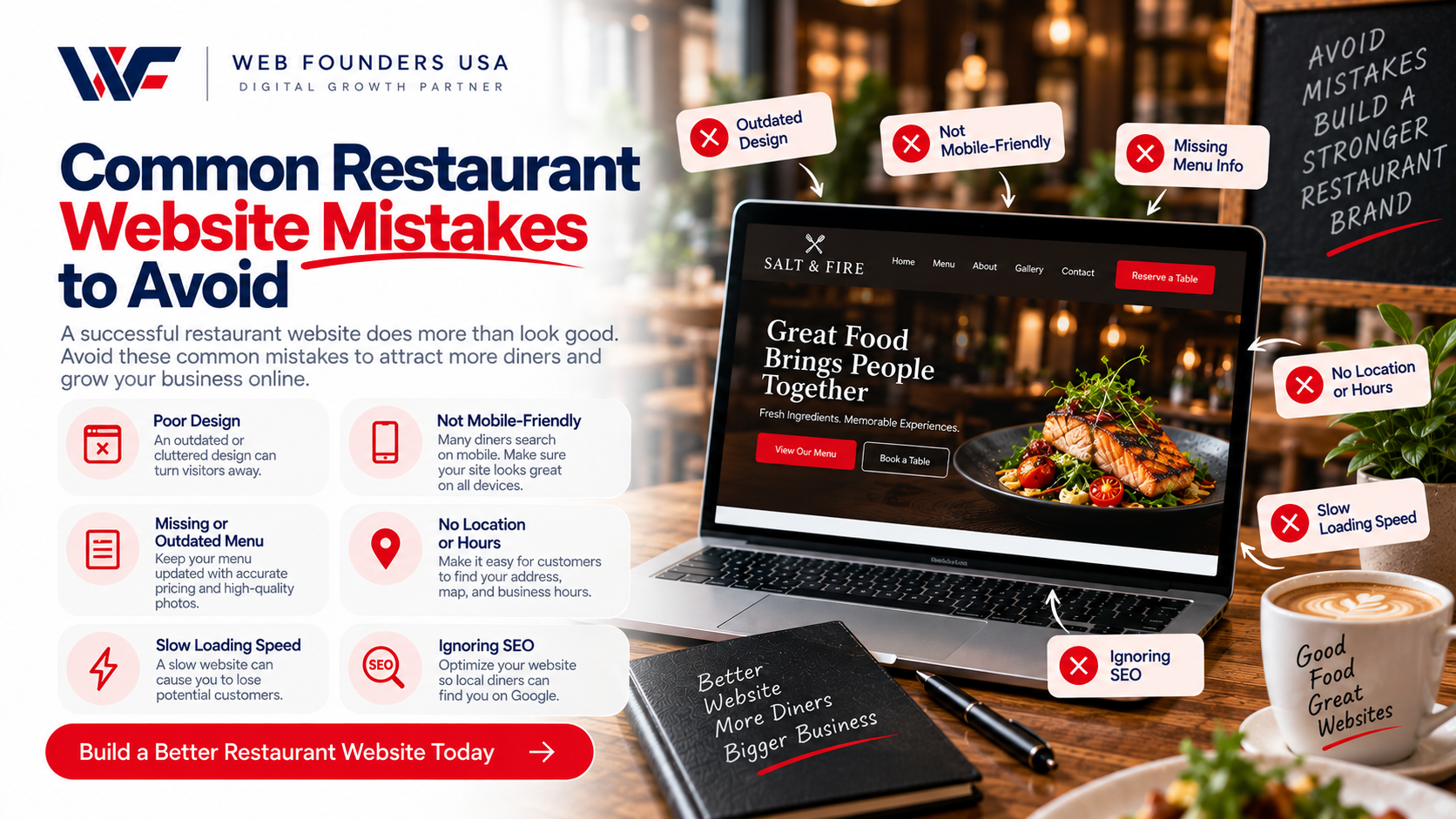
When you learn how to make a restaurant website, avoid these common mistakes.
Hiding the Menu
Customers should find your menu quickly.
Using Poor-Quality Images
Low-quality food photography can make your restaurant look less appealing.
Ignoring Mobile Users
A website that works only on desktops can lose potential customers.
Making the Website Too Slow
Large images and unnecessary features can hurt page speed.
Using Weak Calls to Action
Tell customers what to do next with clear buttons such as Order Online, Reserve a Table, or View Menu.
Showing Outdated Information
Keep prices, menus, hours, and contact details accurate.
Ignoring Local SEO
Your restaurant needs visibility in the areas you serve.
Adding Too Much Text
Customers usually want quick information. Use short paragraphs, clear headings, lists, and visual elements.
How Much Does It Cost to Make a Restaurant Website?
The cost depends on the website’s design, features, platform, and development requirements.
A basic restaurant website may include:
- Home page
- About page
- Menu
- Contact page
- Location information
A more advanced website may include:
- Online ordering
- Reservations
- Payment processing
- Multiple locations
- Customer accounts
- E-commerce
- Custom integrations
- Advanced SEO
Define your requirements before you compare prices. A website that generates orders and reservations can provide much more value than a website that simply displays information.
Should You Build a Restaurant Website Yourself or Hire a Professional?
You can build a basic restaurant website yourself if you have the time and technical skills.
However, professional development can make sense when you need:
- Custom design
- Advanced functionality
- Better performance
- Technical SEO
- Online ordering
- Reservation integrations
- E-commerce
- Ongoing support
A professional team can also help you create a website that supports your long-term marketing and business goals.
For agencies that want to offer website solutions without handling every development task internally, White Label Web Design Services can provide another option.
Similarly, businesses outside the restaurant industry can use specialized services such as SaaS Web Design Services for software companies or B2B Web Design Services for companies that sell to other businesses.
Restaurant Website Launch Checklist
Before you publish your website, check every item below:
- Domain connected
- Logo added
- Brand colors applied
- Homepage completed
- Menu added
- Food images optimized
- Contact information added
- Opening hours added
- Location and map added
- Online ordering tested
- Reservation system tested
- Mobile design tested
- Forms tested
- Website speed checked
- SEO titles and descriptions added
- Image alt text added
- Local SEO information checked
- Analytics installed
- Website security checked
- All links tested
Final Thoughts on How to Make a Restaurant Website
Learning how to make a restaurant website starts with understanding what your customers need.
Build a simple structure. Create an attractive homepage. Make your menu easy to use. Add online ordering or reservations when needed. Optimize the website for mobile users and search engines. Then test everything before launch.
Most importantly, build the website around your customers.
They want to know what you serve, where you are, when you are open, how much your food costs, and how they can order or reserve a table.
Give them that information quickly and clearly.
With the right strategy, your restaurant website can become more than an online brochure. It can become a powerful channel for attracting customers, generating orders, increasing reservations, and growing your business.
If you need a restaurant website built around your brand and business goals, Web Founders USA provides custom website design solutions that combine design, functionality, SEO, and user experience.
Frequently Asked Questions
How do I make a restaurant website?
Start by choosing your domain and website platform. Then plan your pages, create your homepage and menu, add reservations or online ordering, optimize the site for mobile and SEO, test every feature, and launch.
What pages should a restaurant website have?
Most restaurant websites need a Home, About, Menu, Contact, and Location page. You can also add Reservations, Online Ordering, Gallery, Reviews, Catering, Locations, and Blog pages.
What should a restaurant website include?
A restaurant website should include your menu, food photos, address, opening hours, phone number, map, reviews, and clear options for ordering or making reservations.
Should a restaurant website be mobile friendly?
Yes. Customers often use smartphones to search for restaurants, check menus, get directions, place orders, and make reservations. A responsive website makes these actions easier.
Is SEO important for a restaurant website?
Yes. SEO can help your restaurant appear when people search for relevant food and restaurant services in your area. Local SEO is especially important for attracting nearby customers.
Can a restaurant website accept online orders?
Yes. You can integrate an online ordering system that lets customers select food, customize their orders, choose pickup or delivery, and complete payment.
How often should I update my restaurant website?
Update your website whenever your menu, prices, opening hours, services, location, or promotions change. Regularly review the website to make sure all information remains accurate.
