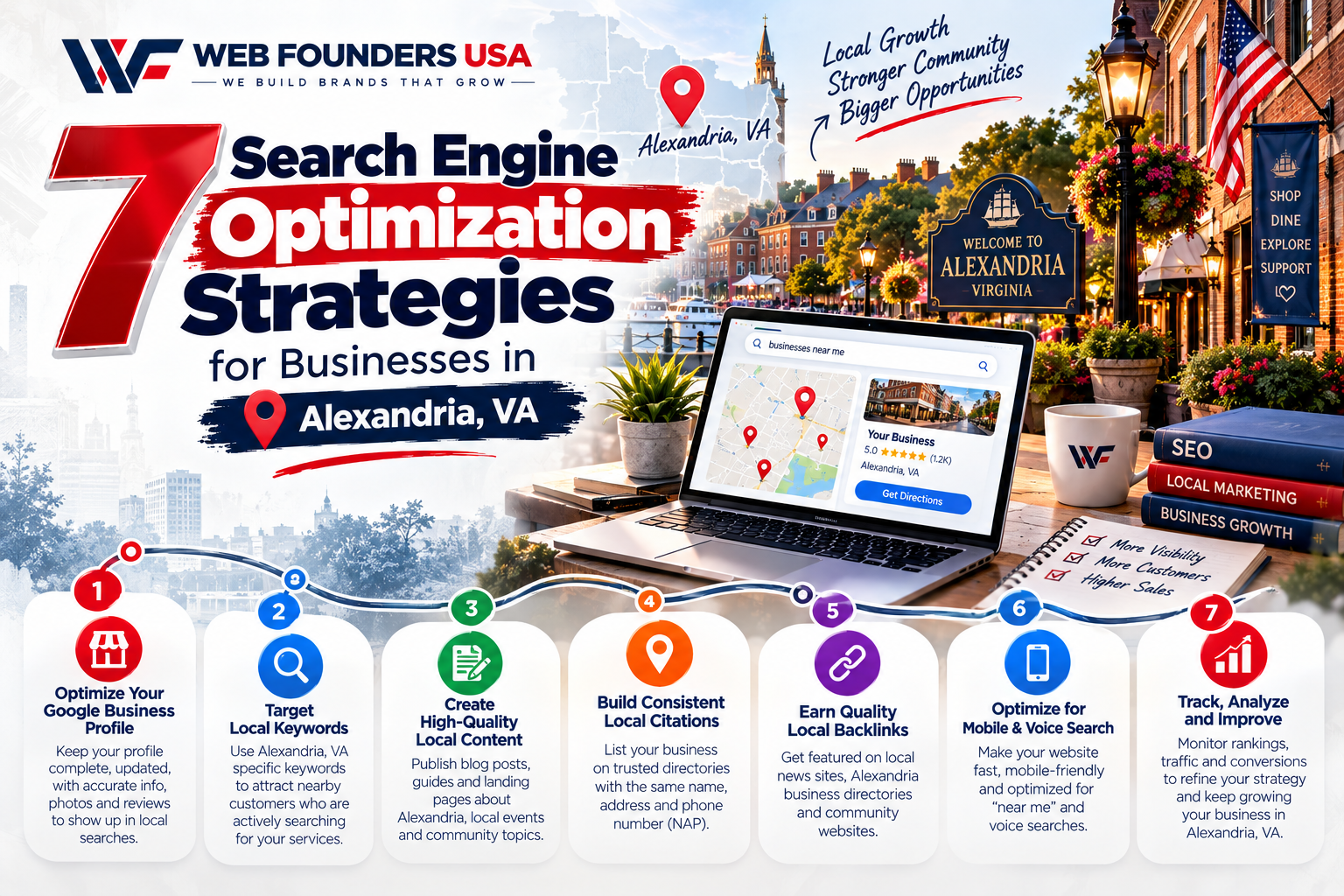
Search engines help people discover websites, products, and useful information online. However, simply creating a website does not guarantee that people will find it on Google.
Search Engine Optimization (SEO) helps improve a website’s visibility in organic search results. It involves understanding what people search for, creating useful content, improving website structure, and making sure search engines can access important pages.
For businesses in Alexandria, Virginia, SEO also involves understanding local search behavior and providing information that meets the needs of nearby audiences.
In this guide, we will explore seven practical SEO strategies that businesses can use to improve their website visibility, attract relevant visitors, and create a better online experience.
1. Research Keywords That Match User Search Intent
Keyword research is one of the first steps in an effective SEO strategy. It helps you understand what people search for and what information they expect to find.
Start by identifying the main topics related to your website. Then explore the words and phrases people use when searching for those topics.
For example, a business website might target informational searches such as:
- How does SEO work for small businesses?
- How to improve website rankings on Google?
- What is local SEO and how does it work?
- How to increase organic website traffic?
- What are the most common SEO mistakes?
Understand Different Types of Search Intent
Not every search has the same purpose. Understanding search intent helps you create content that matches what users actually need.
| Search intent | What users want | Example |
|---|---|---|
| Informational | Learn something | How does SEO work? |
| Navigational | Find a specific website | Google Search Console |
| Commercial Investigation | Compare available solutions | Best SEO tools for small businesses |
| Transactional | Complete an action | Buy an SEO software subscription |
Focus on the purpose behind each keyword instead of selecting terms only because they have high search volume.
2. Improve Your Website’s On-Page SEO
On-page SEO involves optimizing the content and HTML elements of individual website pages. It helps search engines understand what each page covers.
Start by reviewing your existing website content. Make sure every important page has a clear topic and provides useful information.
Important on-page SEO elements include:
- Page titles that clearly describe the content.
- Relevant headings that organize information.
- Descriptive URLs that are easy to understand.
- Natural keyword placement throughout the content.
- Internal links to related website pages.
- Image alt text that describes meaningful images.
- Clear and helpful page descriptions.
Organize Your Content With Proper Headings
Use one clear H1 heading for the main topic. Divide the content into relevant H2 sections and use H3 headings when additional explanations are needed.
For example, an article about website optimization could include:
- What Is Website Optimization?
- Why Website Speed Matters
- How to Improve Mobile Usability
- Common Website Optimization Mistakes
A well-organized page makes information easier to understand and helps visitors find answers quickly.
3. Create Helpful and Relevant Website Content
High-quality content plays an important role in SEO. Your website should answer questions, explain important topics, and provide information that visitors can actually use.
Instead of publishing content just to include keywords, focus on the problems your audience wants to solve.
For example, useful educational blog topics include:
- How to Improve Website Loading Speed
- 7 Common SEO Mistakes That Affect Website Rankings
- How to Write SEO-Friendly Website Content
- What Is Organic Traffic and How Does It Work?
- How to Use Google Search Console for SEO
- How to Improve Website Visibility in Local Search Results
Follow a Clear Content Structure
Every article should have a clear purpose.
A useful content structure includes:
- An introduction explaining the topic.
- A short answer to the main question.
- Detailed explanations of important points.
- Practical examples and actionable steps.
- Common mistakes and their solutions.
- Frequently asked questions.
Avoid repeating the same information across multiple articles. Each page should provide a different benefit and address a distinct search query.
4. Improve Local SEO Visibility
Local SEO helps search engines understand the geographic relevance of a business and its website.
When people search for nearby services, Google may display relevant local businesses, map results, and organic website pages.
Businesses operating in Alexandria can improve their local search presence by making their location information accurate and useful.
Important Local SEO Practices
- Google Business Profile
Maintain an accurate Google Business Profile if your business is eligible. Keep business details, categories, contact information, and operating hours updated.
- NAP Consistency
Make sure your business name, address, and phone number are consistent across relevant online directories and business listings.
- Customer Reviews
Encourage genuine customer feedback. Respond professionally to reviews and use feedback to improve customer experiences.
- Location-Relevant Content
Publish useful information about the areas you serve. Include genuine local details rather than repeating city names unnecessarily.
- Local Citations
Maintain accurate business information across relevant directories and industry platforms.
Understand Local Search Behavior
People in Alexandria may use different search phrases depending on their needs, location, and the type of information they want.
Understanding these searches can help you create more relevant content and improve the usefulness of your website.
5. Fix Technical SEO Problems
Technical SEO focuses on improving the way search engines access, crawl, index, and understand a website.
Even useful content may struggle to appear in search results if important technical problems prevent search engines from accessing it properly.
Here are some important technical areas to review.
Website Indexing
Use Google Search Console to check whether important website pages are indexed.
Review indexing reports and investigate pages that have unexpected indexing issues.
Broken Links and Redirects
Check for broken internal links and incorrect redirects.
Make sure important URLs lead visitors to the correct pages and avoid unnecessary redirect chains.
Mobile Experience
Your website should work properly on mobile devices.
Check whether visitors can read text, navigate menus, view images, and complete important actions without difficulty.
Website Performance
Page loading performance affects the user experience.
Review Core Web Vitals and look for problems such as:
- Large, unoptimized images.
- Unnecessary JavaScript.
- Slow server response times.
- Layout shifts during page loading.
- Delayed loading of important page elements.
Use tools such as Google PageSpeed Insights to identify areas that need improvement.
6. Build a Useful Internal Linking Structure
Internal links connect different pages within the same website. They help visitors discover related information and allow search engines to understand how website content is connected.
For example, an article about keyword research can link to another educational article explaining search intent.
Similarly, a guide about technical SEO can link to articles covering website indexing, page speed, and Core Web Vitals.
Internal Linking Best Practices
- Use descriptive anchor text.
- Link to relevant and useful pages.
- Avoid adding links where they do not provide value.
- Connect related blog articles.
- Make important pages easy to discover.
- Avoid excessive exact-match keyword anchors.
Create Topic-Based Content Clusters
A content cluster organizes related articles around a broader subject.
For example:
Main Topic: Search Engine Optimization
Supporting articles:
- What Is Keyword Research?
- How Does On-Page SEO Work?
- What Is Technical SEO?
- How Does Local SEO Work?
- How to Measure Organic Traffic
- What Are Core Web Vitals?
This structure creates a better information experience and helps search engines understand the relationship between related topics.
7. Track SEO Performance and Improve Your Strategy
SEO requires regular monitoring. Tracking website performance helps you understand which pages are attracting visitors and where improvements may be needed.
Google Search Console and Google Analytics are useful tools for measuring organic search performance.
Important SEO Metrics to Monitor
| Metric | What It Tells You |
|---|---|
| Organic Clicks | How many visitors come from organic search results |
| Impressions | How often your pages appear in search results |
| Average Position | The average ranking position of your website pages |
| Click-Through Rate | The percentage of impressions that generate clicks |
| Organic Traffic | Visitors arriving through organic search |
| Conversions | Important actions completed by website visitors |
Review Your SEO Performance Regularly
Ask yourself these questions when reviewing website performance:
- Which pages are receiving the most organic impressions?
- Which search queries are generating clicks?
- Are visitors finding the information they need?
- Which pages have declining organic traffic?
- Are important pages properly indexed?
- Which content needs updating?
- Are technical issues affecting website performance?
Use this information to prioritize improvements.
Avoid making unnecessary website changes just to appear active. Every optimization should have a clear purpose and improve either search accessibility, content quality, or the user experience (webfoundersusa.com).
Frequently Asked Questions
1. What are the most important SEO strategies for small businesses?
Important SEO strategies include keyword research, on-page optimization, useful content creation, technical SEO, local SEO, internal linking, and regular performance monitoring.
2. How long does SEO take to show results?
SEO does not have a fixed timeline. Results depend on competition, website condition, content quality, technical performance, and other factors. Some improvements may become visible earlier, while competitive searches can take considerably longer.
3. Does keyword density improve Google rankings?
There is no ideal keyword density that guarantees better rankings. Use relevant keywords naturally and focus on answering the user’s search query clearly and completely.
4. How can I check whether my website is indexed by Google?
You can use Google Search Console’s URL Inspection tool to check individual URLs and review indexing reports to understand the status of your website pages.
5. What is the difference between on-page SEO and technical SEO?
On-page SEO focuses on page content, headings, titles, internal links, and other page-level elements. Technical SEO focuses on crawling, indexing, website performance, mobile usability, and technical accessibility.
6. Why is local SEO important for businesses?
Local SEO helps businesses improve their visibility in geographically relevant searches. It can help people discover nearby businesses, understand their services, and find accurate contact information.
7. How often should I update my website content?
Update content when information becomes outdated, search intent changes, or performance data shows that improvements are needed. Focus on accuracy and usefulness rather than making unnecessary changes.
